 EvE3UM
Software
In Partnership w/ Above and Beyond Legal Services
 Live In the Microsoft Store
Bring structured data under your control.
A local-first Windows workspace for importing, organizing, analyzing, and visualizing structured information with an optional shared workspace that runs on your own office network.
- Works on Windows 10 and 11
- 7-day free trial
- Offline-capable
- Shared office workspace over your LAN
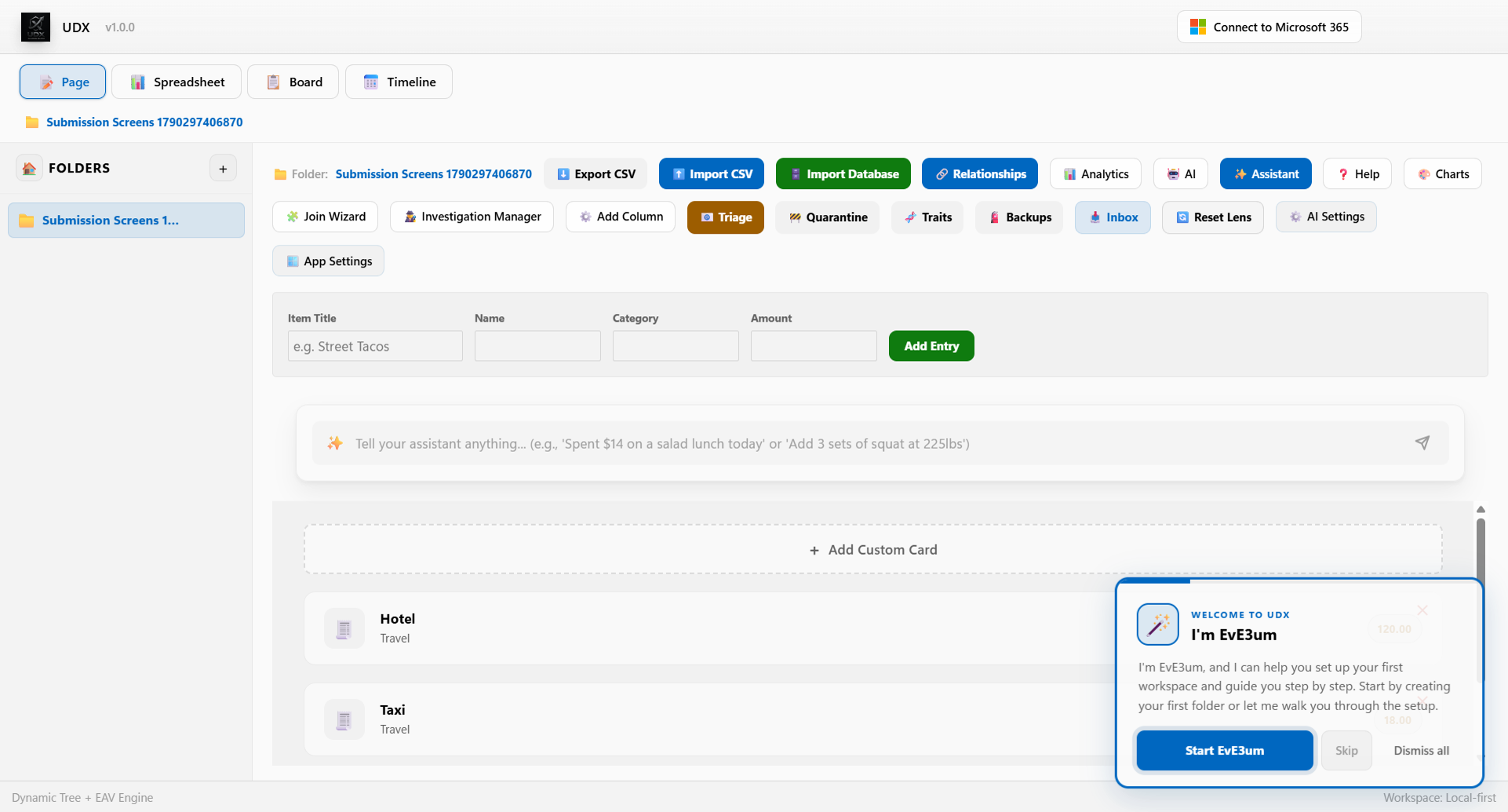
A look inside UDX
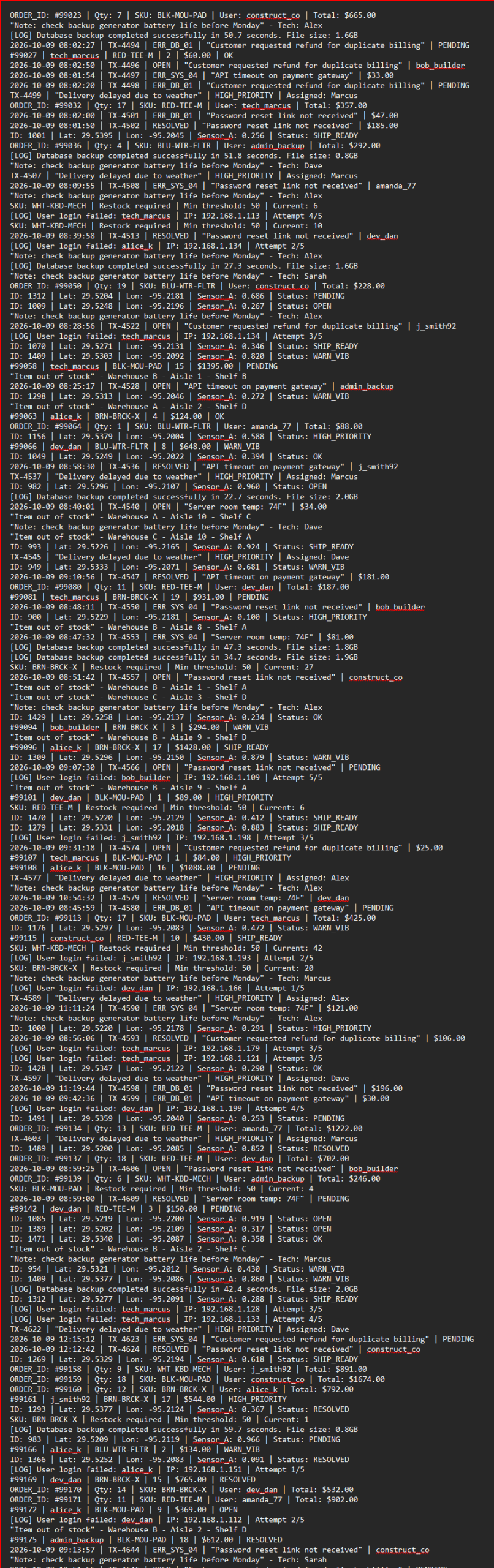
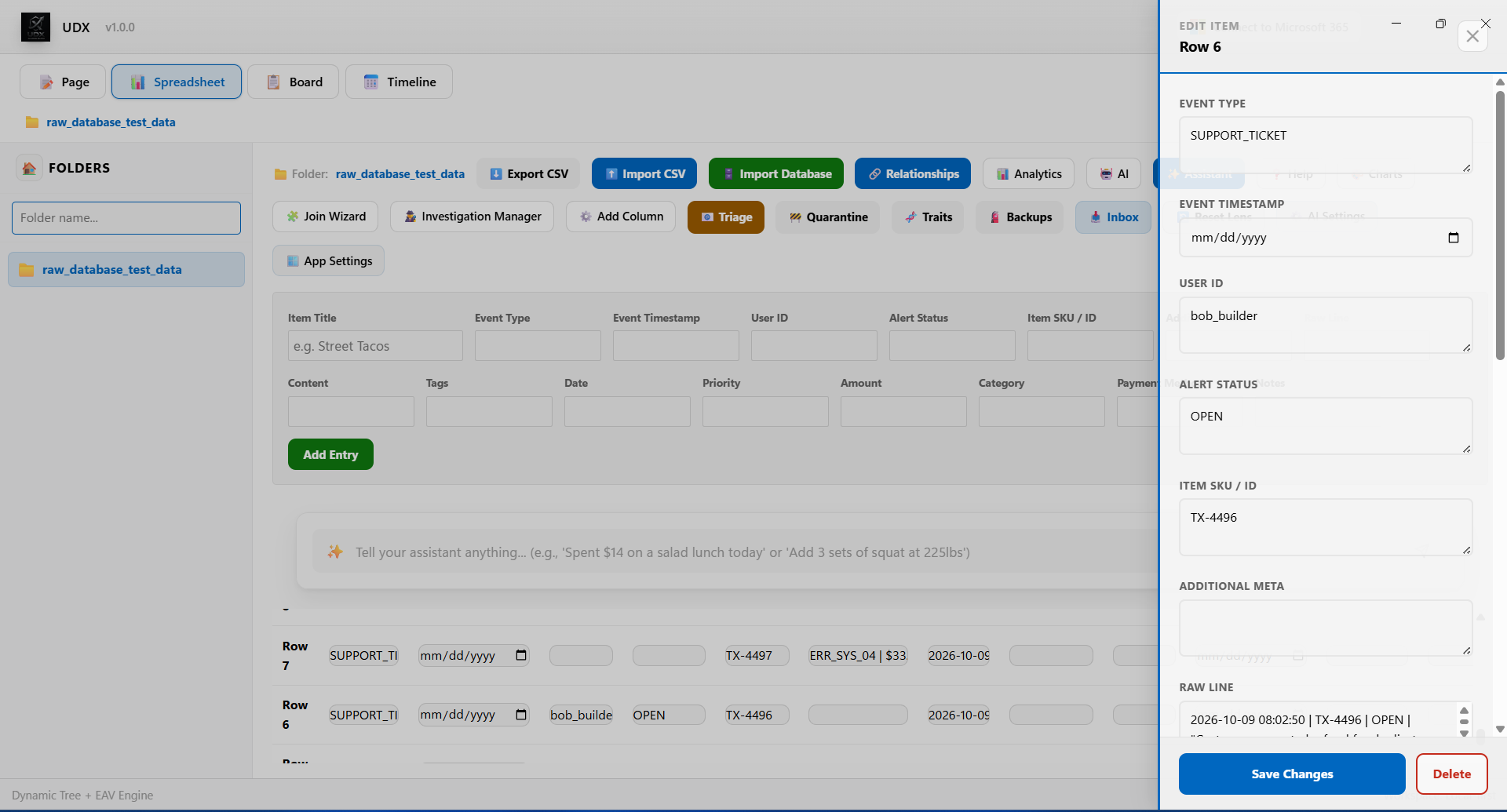
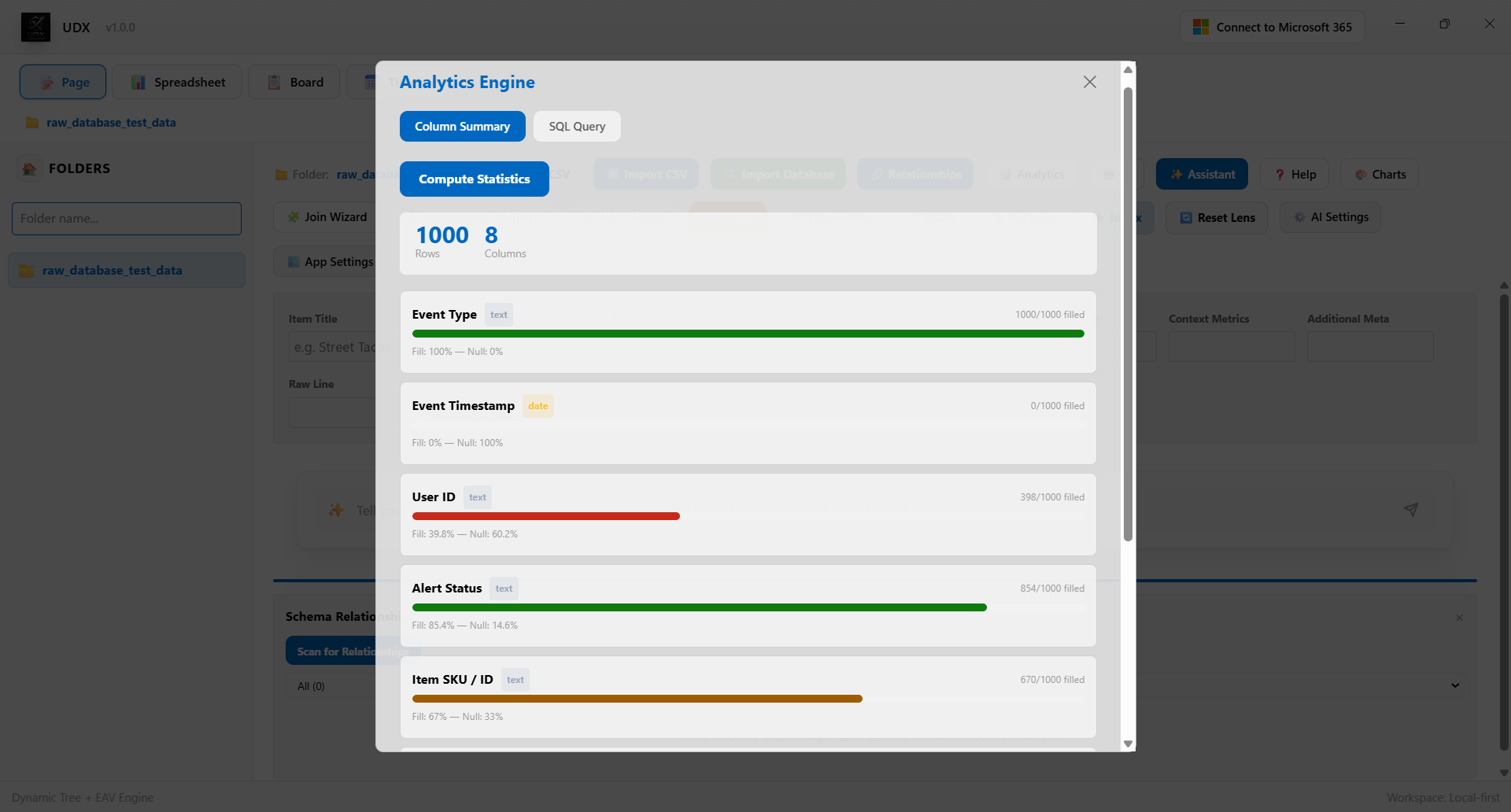
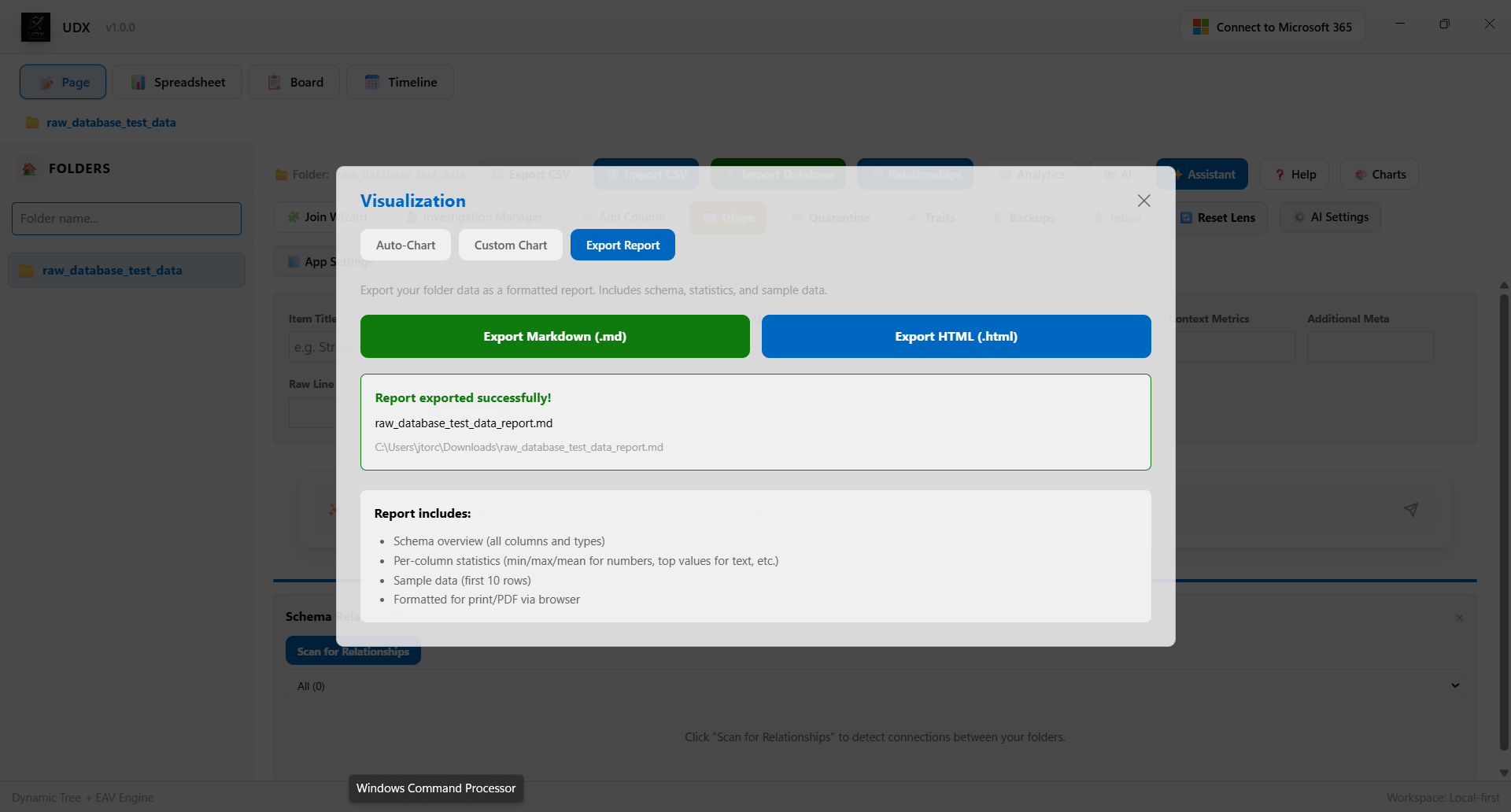
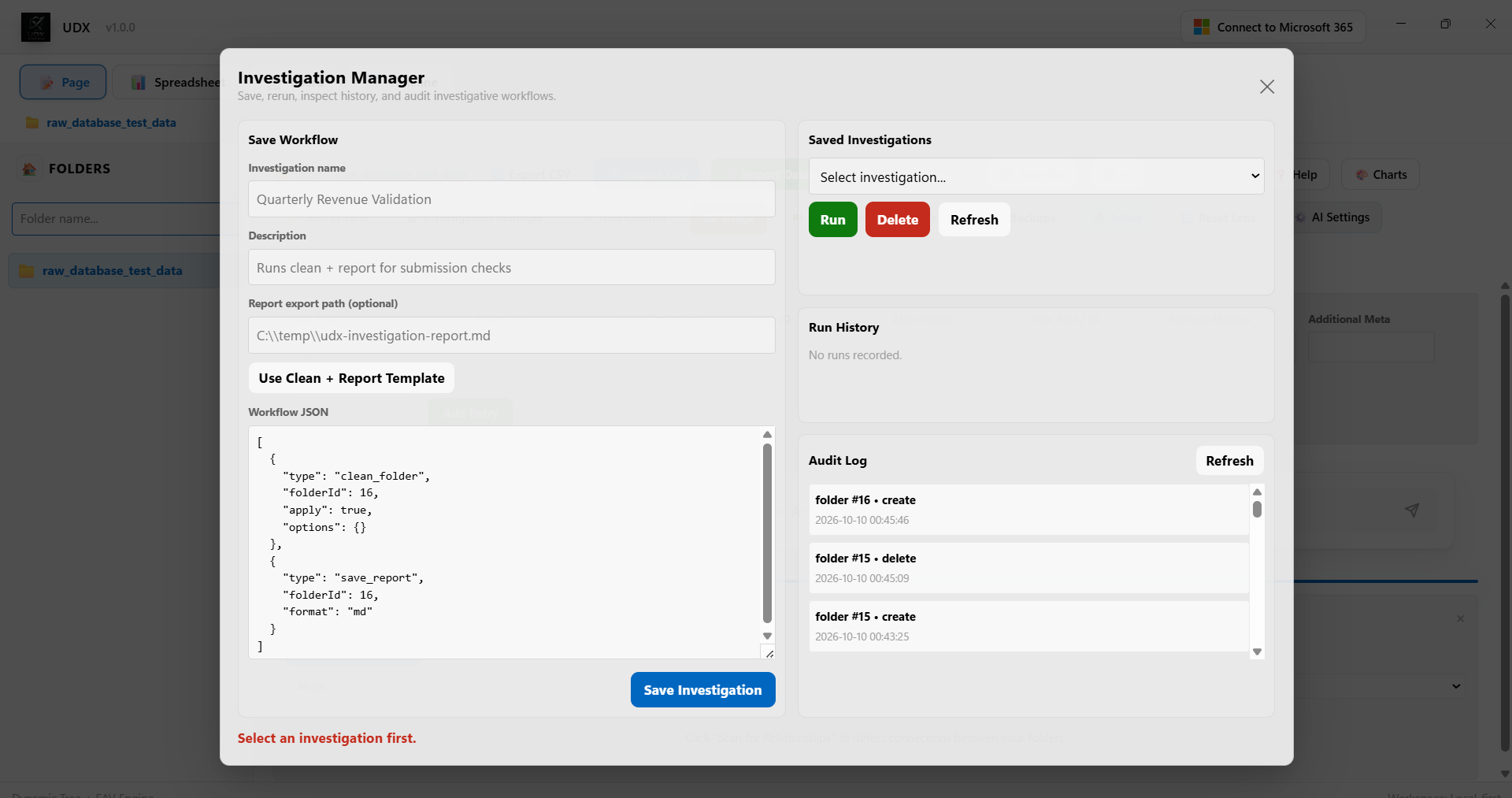
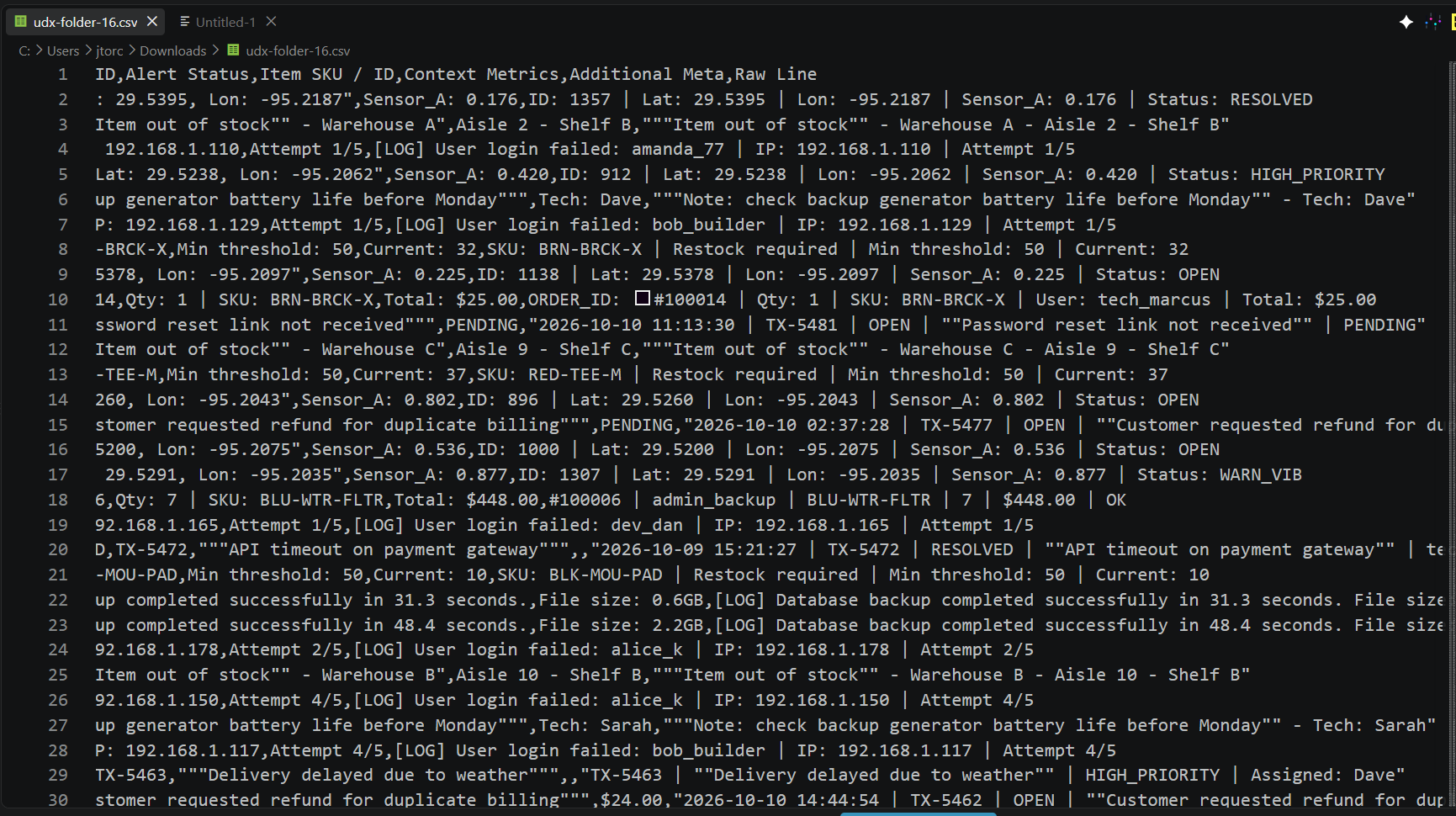
Real views from the app: browse records, organize folders, and analyze your data on the Windows device where it lives or across your office workspace.
One subscription. Every feature.
Start with a 7-day free trial of the full subscription. After that, $24.99 per user, per month billed natively by the Microsoft Store, with no separate invoicing.
UDX Subscription
7-day free trial. Cancel anytime in your Microsoft account.
- Local-first Windows workspace no application server
- CSV (up to 2 GB), Excel, JSON, SQL, and SQLite import
- Spreadsheet, Kanban, timeline, and document views
- Charts, anomaly detection, quarantine, and triage
- Chat-first insights with or without a local AI model
- Shared office workspace over your LAN with per-user roles
- Checkout locks, full version history, and activity audit
- Optional Microsoft 365 and OneDrive synchronization
Each PC that joins a shared workspace needs its own subscription; the hub does not aggregate or share licenses across PCs. Price shown in USD on the Microsoft Store applies your local currency and taxes at checkout.
Why UDX?
A practical middle ground between spreadsheets that stop scaling and databases that need a specialist to change.
-
Work locally by default
Your workspace runs on the Windows device it is installed on. There is no application server, and no upload happens unless you start one.
-
Import CSV, Excel, JSON & SQL
Bring real files in without a migration project. Large CSVs are streamed rather than loaded whole, so imports up to 2 GB stay workable.
-
Spreadsheet, Kanban, timeline & document views
Add fields and nest folders as the work changes, then switch to whichever view suits the task instead of reshaping the data to fit the tool.
-
Ask your data in plain language
A chat-first home answers common questions with tables and charts, surfaces automatic insights, and keeps working from the workspace summary even when no local AI model is running.
-
Charts & anomaly detection
Column statistics and multi-series charts make trends visible, while anomaly detection, quarantine, and triage workflows keep questionable records out of the clean set.
-
One shared workspace for your office
Host the workspace on one always-on office PC and let every other PC join over your local network. No cloud relay and no external server for shared workspace features.
-
Checkout locks & full version history
Per-user roles, folder checkout locks, and a before/after record for every change. See who changed what, when, and restore any earlier version.
-
Optional on-device AI
Local assistance for schema suggestions, extracting information, and routing records. Requires the Windows AI runtime; no cloud AI provider is contacted.
Built for the way offices actually work
Teams use UDX to move past spreadsheets that stop scaling, without handing their data to a cloud service or hiring a database specialist.
-
“We were past the point where spreadsheets held together. UDX let us keep the structure we already had and add fields as the work changed, without a migration project or a database specialist.”
-
“One PC hosts the workspace and the rest of the office joins over our LAN. Checkout locks stopped two people overwriting the same folder, and version history shows exactly who changed what.”
-
“The 7-day trial covered every feature, so we tested imports, charts, and chat on our real files before buying a subscription for each PC.”
Talk to us about UDX for your organization.
Tell us roughly what you are working with. We will come back with what a rollout looks like, how the office workspace and per-user licensing work through Microsoft, and answers to your questions.
- Licensed per userEach PC that joins a shared workspace needs its own subscription. Volume pricing confirmed once we scope your rollout.
- Deployment via IntuneDistribute the MSIX through your own tooling.
- Reply from a personWe respond to enquiries within one business day.
Already decided, or would rather start inside Microsoft? Get UDX from the Microsoft Store to start the 7-day free trial, purchase seats, or manage licenses or send us a note with the form and your message comes straight to our team.