 EvE3UM
Software
In Partnership w/ Above and Beyond Legal Services
EvE3UM
Software
In Partnership w/ Above and Beyond Legal Services
 Live In the Microsoft Store
AI will analyze, score, and fix your video instantly or enter a simple prompt.
A video editor for YouTube creators. Score your footage, tighten the pacing, add captions, clean up audio, reframe for shorts, and export publish-ready video right from your own PC.
- Works on Windows 10 and 11
- No cloud uploads, no API keys
- AI runs on your device
Why Creator Image Studio?
From raw footage to a publish-ready video in a few minutes by using a simple prompt or letting the app do all the work.
-
Video Score analysis
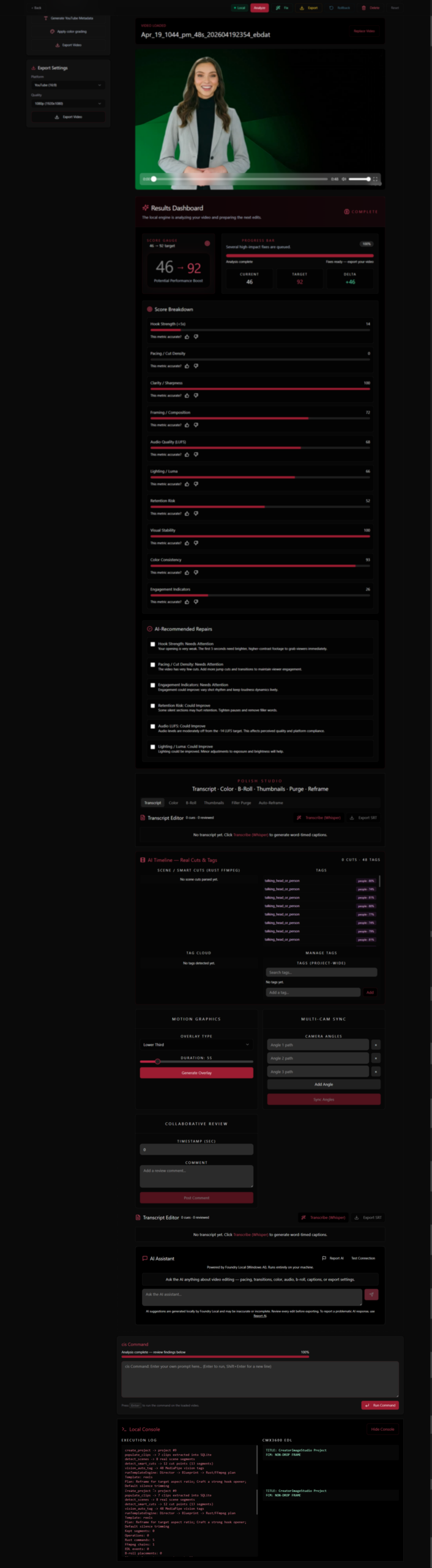
Review your video before publishing with a creator-focused score covering hook strength, pacing, silence, loudness, blur, lighting, framing, and retention risk, each finding linked to a fix you can apply.
-
Smart cuts and pacing
Detect scene changes, remove long pauses, reduce filler words, and tighten the flow of a recording without reviewing every second by hand.
-
Shorts and subject-aware reframing
Turn long videos into vertical 9:16 Shorts under 60 seconds. Subject tracking keeps the speaker in frame for 9:16, 1:1, and 4:5 exports.
-
Captions and transcript editing
Generate word-timed captions, correct the transcript inside the app, and export an SRT subtitle file ready for YouTube.
-
Local audio cleanup and stabilization
Reduce background noise to make speech clearer and smooth shaky handheld clips, both processed on your PC, never sent to a cloud service.
-
AI assistance without sending footage away
Describe the edit you want in plain language. Built-in AI runs locally after the initial model download, no cloud API key required.
-
Publishing support for YouTube
H.264 exports tuned for YouTube, SRT captions, thumbnail frame extraction, and generated titles, descriptions, hashtags, and timestamped chapters.
-
Advanced creator tools
Color grading, automatic B-roll assistance, motion overlays, multi-camera synchronization, timeline comments, FFmpeg rendering, and CMX3600 EDL export.
Talk to us about Creator Image Studio.
Tell us what you publish and how your editing works today. We will come back with how the app fits your workflow, how the Microsoft Store subscription works, and answers to your questions.
- Monthly Store subscriptionBilling, renewal, and licensing are handled by Microsoft.
- Footage stays on your PCNo cloud uploads, no API keys, local AI inference.
- Reply from a personWe respond to enquiries within one business day.
Already decided, or would rather start inside Microsoft? Get Creator Image Studio from the Microsoft Store to subscribe, or send us a note with the form your message comes straight to our team.